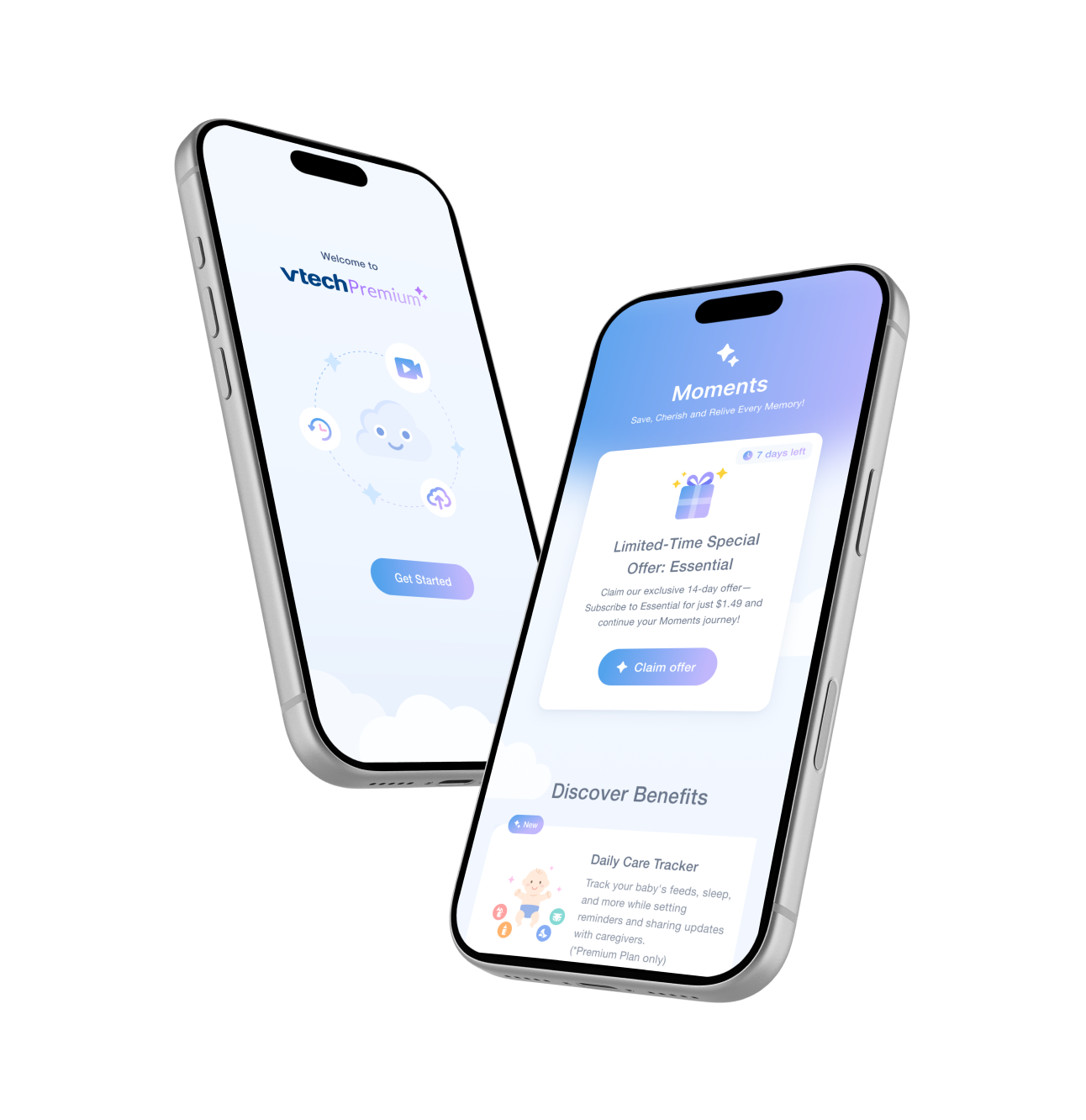
Two phone screens from the MyVTech Baby Plus app: a “Welcome to vtech Premium” onboarding screen, and a Moments screen offering a limited-time Essential plan alongside a Discover Benefits list.

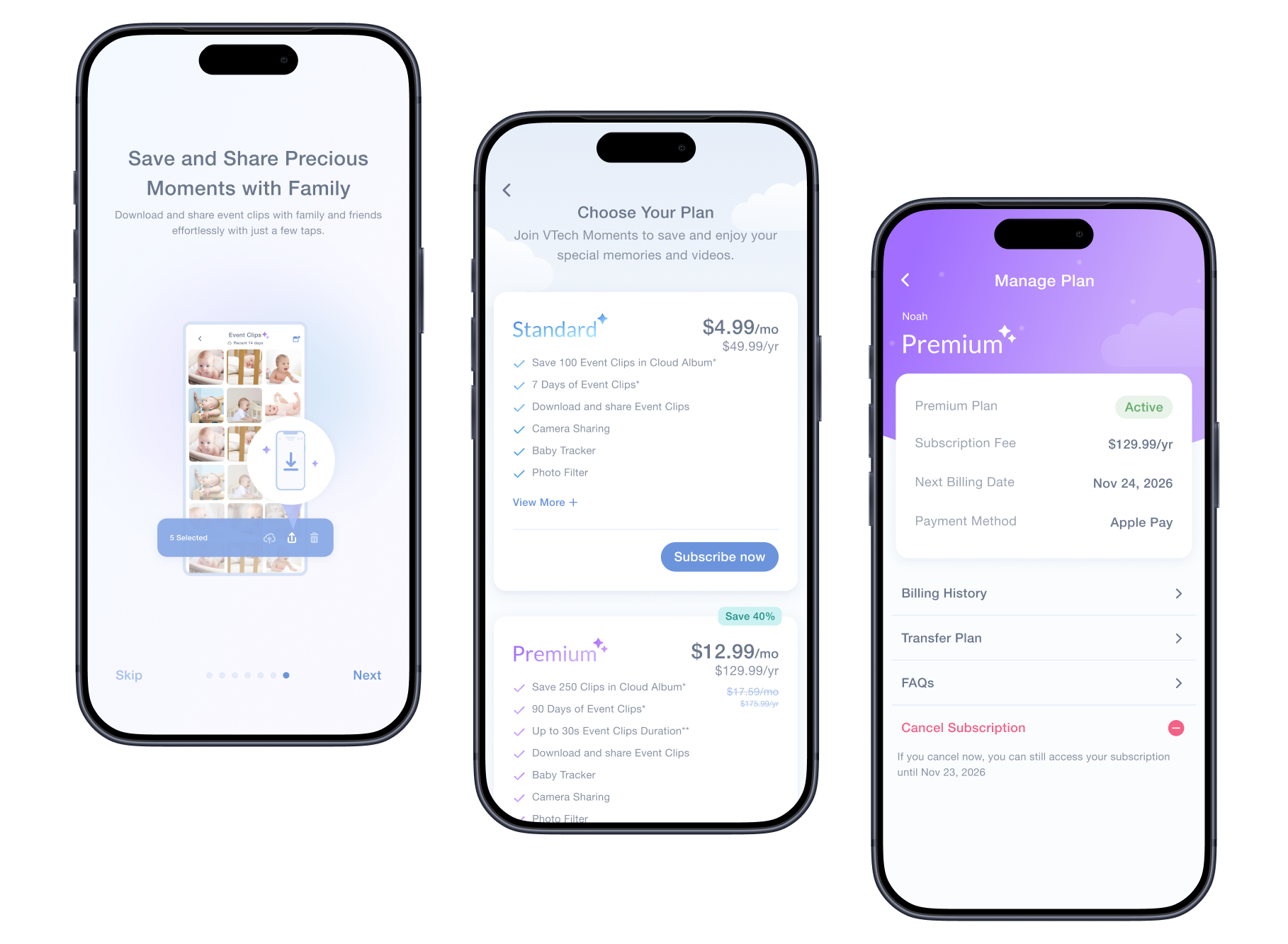
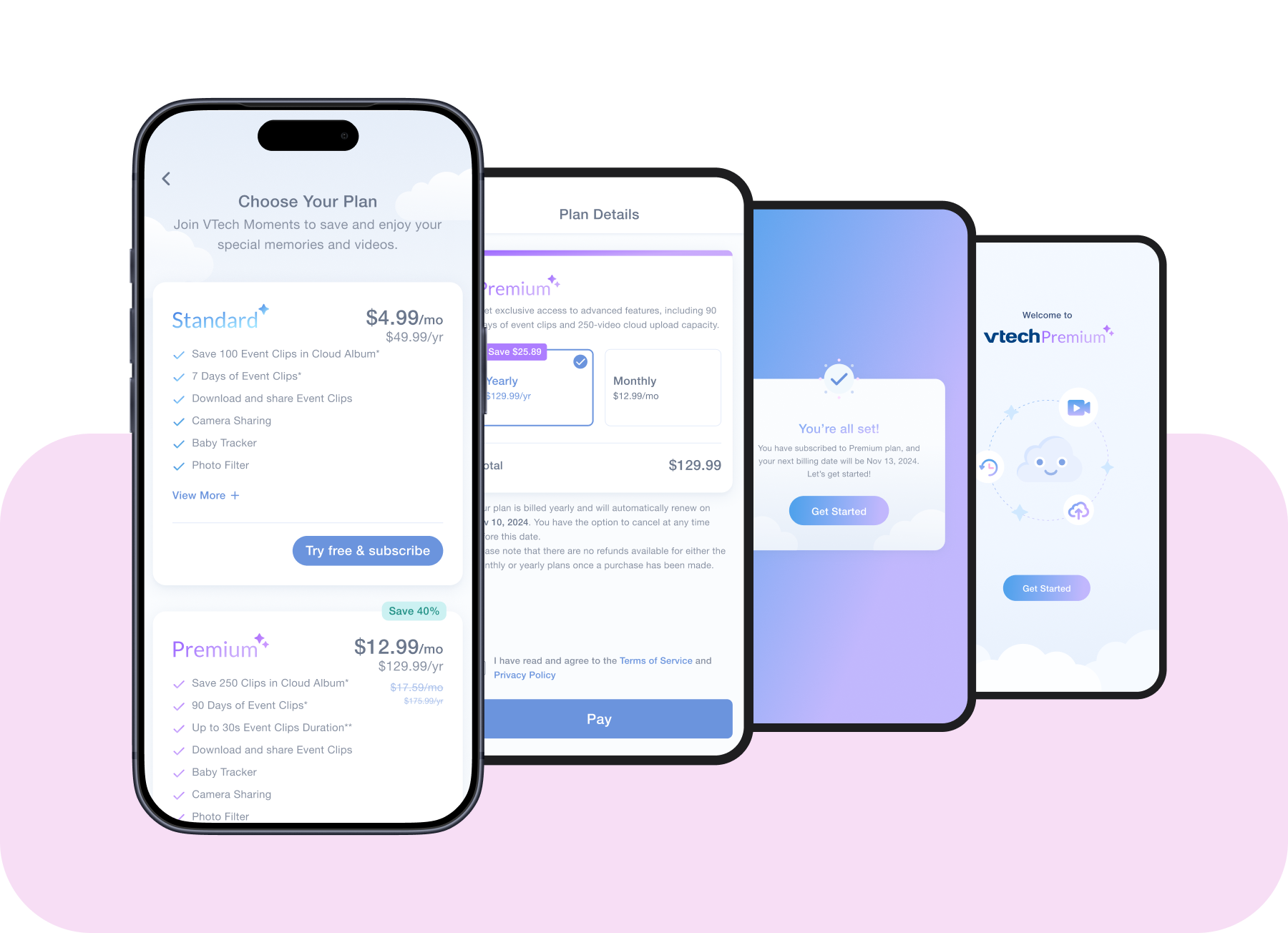
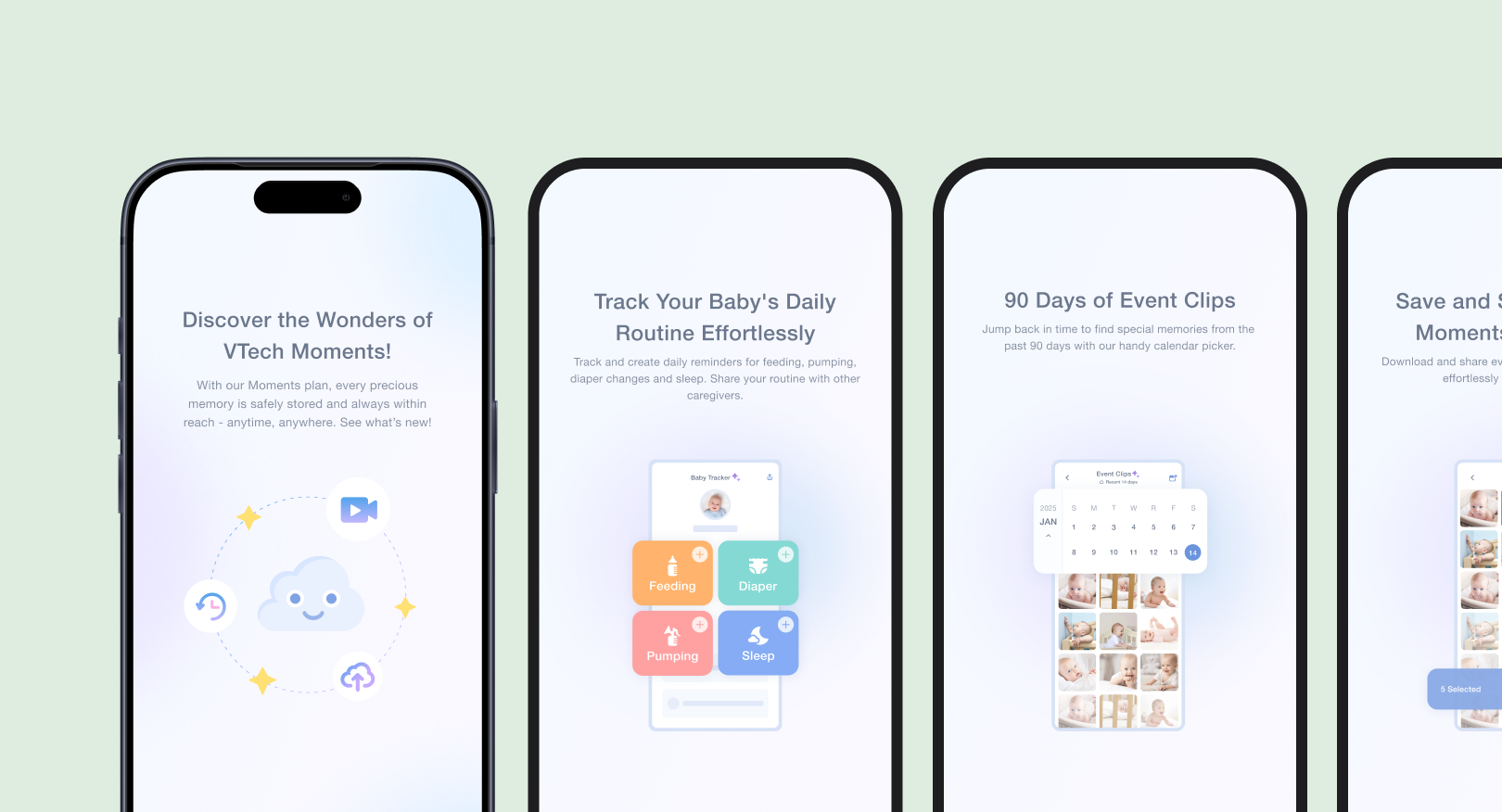
    Three MyVTech Baby Plus app screens: the VTech Moments benefits page, a Choose Your Plan screen comparing Standard and Premium, and a Manage Plan screen showing the active plan's fee, billing date and payment method.

      1. The Moments tab: a VTech Moments benefits page with a Try it free card, beside a Compare Plan table listing each feature across the Free, Standard and Premium plans.
      2. A Choose Your Plan screen with its View more sheet open, explaining each Standard plan feature in plain language with an illustration.
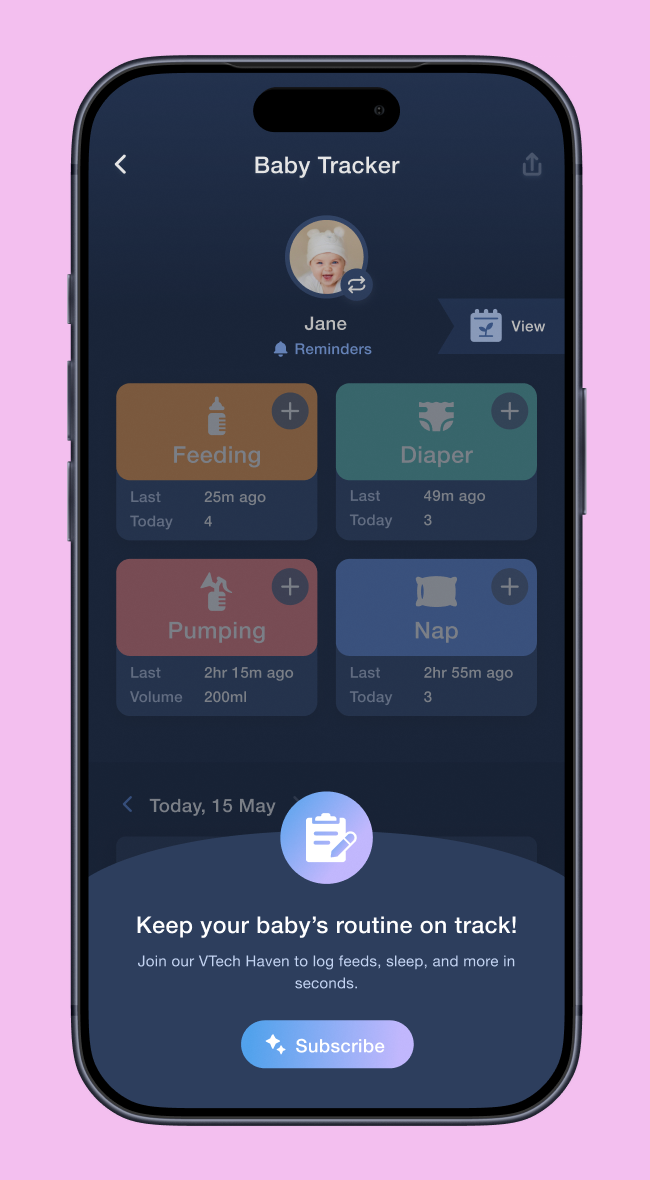
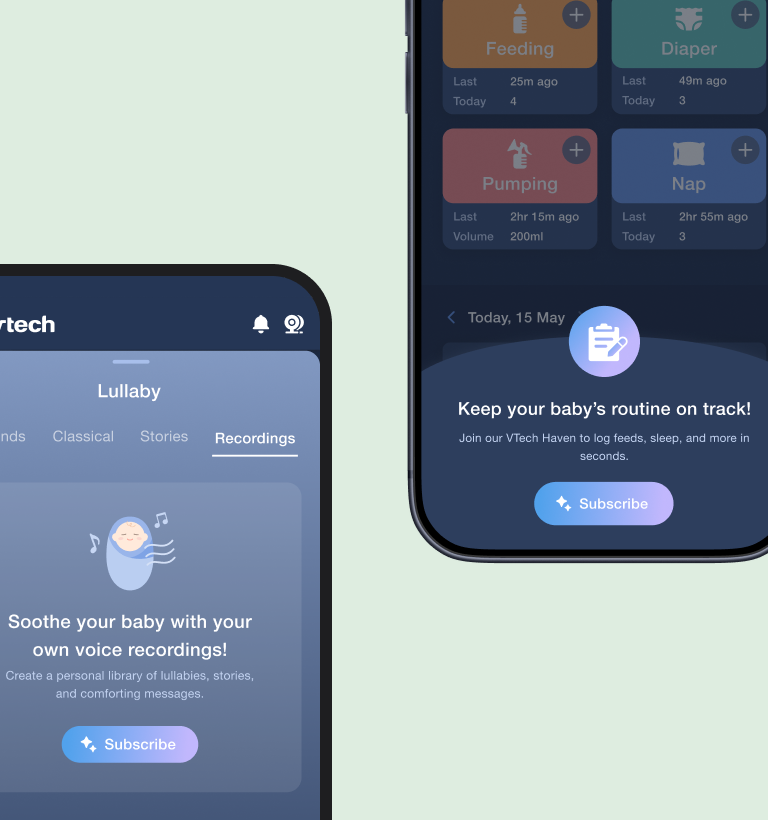
      3. Benefits shown where they live: the live view with a Join VTech Moments banner and a Subscribe to unlock more features tip from the Cloud character, beside the Settings → Learn more page introducing the Baby Cloud subscription.

      The checkout flow: choosing a plan, confirming payment, and a subscribe confirmation, shown as a connected sequence.

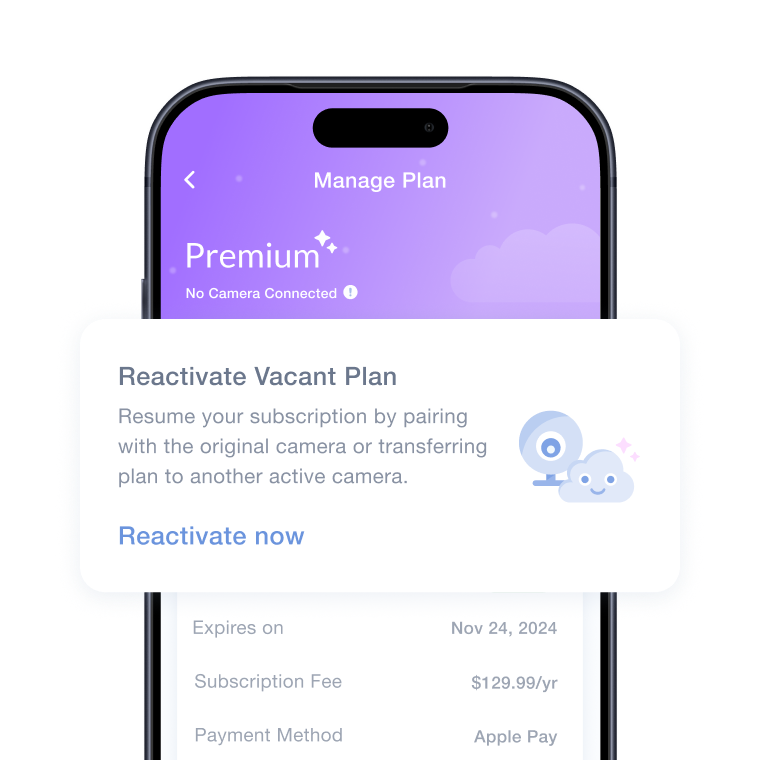
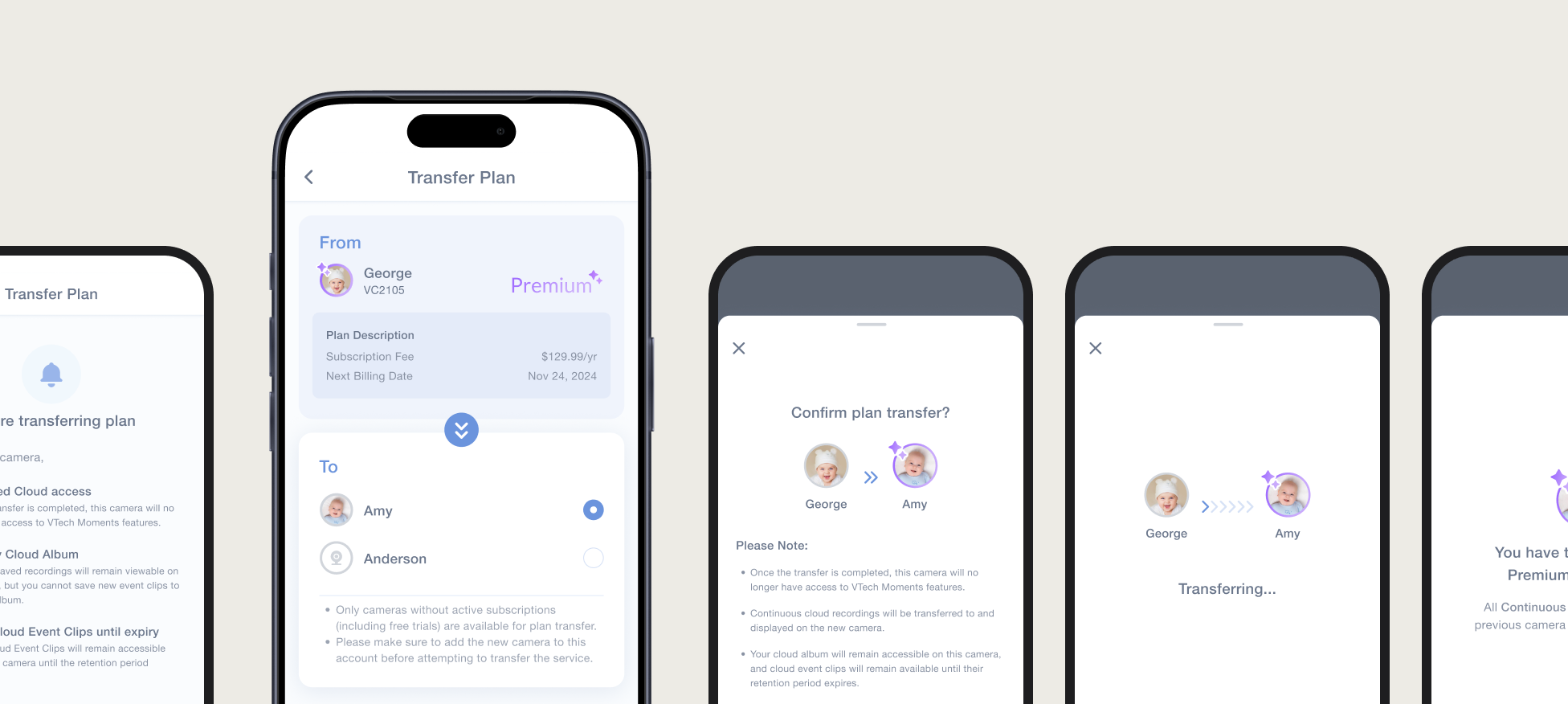
      A Manage Plan screen for a camera that has been removed, showing the plan retained and awaiting a new camera. The Transfer Plan flow across five screens: what happens to saved clips, choosing a destination camera, confirming, transferring, and done.